
Lab and admin checks
Run repeatable TCP/UDP tests from a Mac while keeping the same profile, history and export model as the mobile app.
macOS
Use the Mac version for lab, desk and admin workflows where a native UI is faster than rebuilding the same command-line setup for every test.
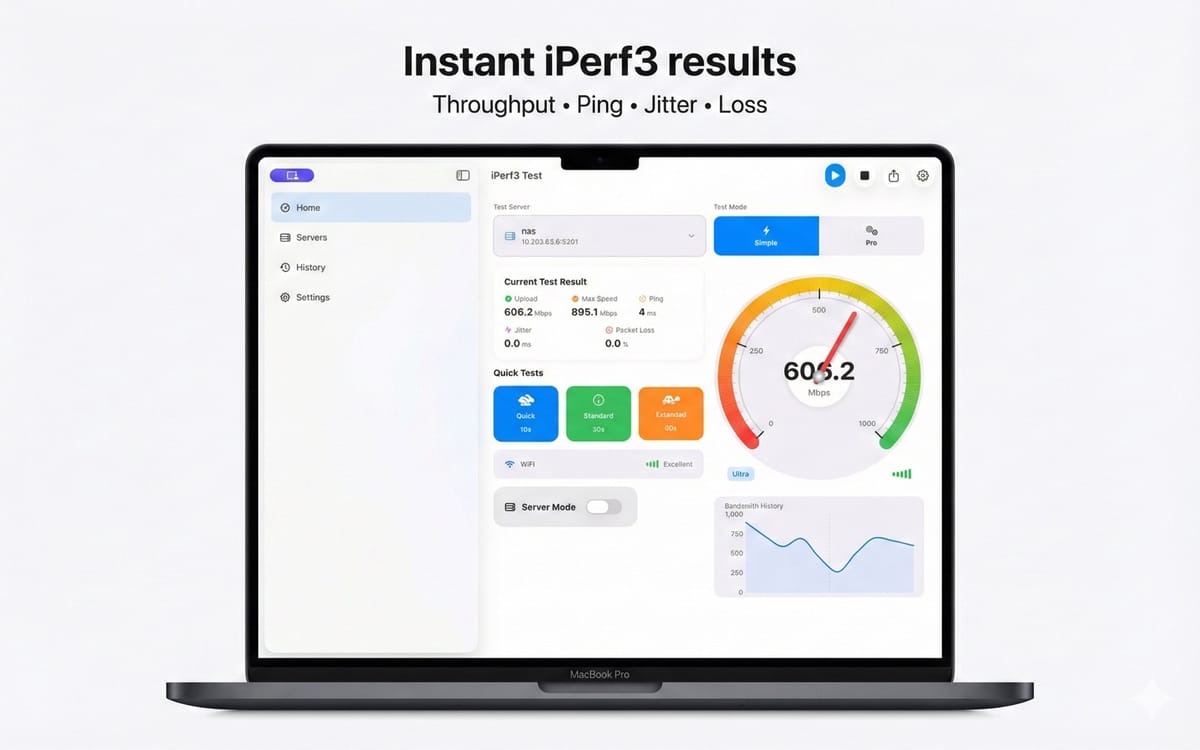
Swipe or use arrows to explore the full product flow. Tap the main frame to open fullscreen.
Install the universal Apple app from the Mac App Store.
Open Client, Server or Advanced mode based on the test role.
Run the test, inspect charts and export the saved result if needed.
The product pages stay separated by platform so search intent, store links and support paths remain clear.
Run repeatable TCP/UDP tests from a Mac while keeping the same profile, history and export model as the mobile app.
Expose the iperf3 parameters that controlled validation needs and consumer-style speed checks hide.
Save local results and export CSV or JSON for spreadsheets, scripts, reports and support tickets.