Android Pro

iPerf3 Android

ทุกอย่างที่จำเป็นสำหรับการทดสอบเครือข่ายซ้ำได้ โดยไม่ทำให้โทรศัพท์หรือแล็ปท็อปกลายเป็นเครื่องมือแล็บที่รกเกินไป
Android 7.0+0 การติดตามรูปแบบส่งออก
iPerf3 Android

สองโหมด หนึ่ง workflow

  1. 1

    เริ่มเร็วด้วยระยะเวลาที่ตั้งไว้ล่วงหน้า

  2. 2

    ควบคุมโปรโตคอลและทิศทาง (TCP/UDP, reverse, bidirectional)

  3. 3

    ติดตั้งแอปและรัน iPerf3 test แบบควบคุมได้ครั้งแรกภายในไม่กี่นาที

คุณสมบัติหลัก

ทุกอย่างที่จำเป็นสำหรับการทดสอบเครือข่ายซ้ำได้ โดยไม่ทำให้โทรศัพท์หรือแล็ปท็อปกลายเป็นเครื่องมือแล็บที่รกเกินไป

การทดสอบที่รวดเร็ว

Simple Mode ให้การรันแบบ 8/10/15 วินาที ส่วน Advanced Mode เปิดการควบคุมโปรโตคอลและทรานสปอร์ตเต็มรูปแบบ

การตั้งค่าขั้นสูง

ปรับ duration, streams, bandwidth cap, window size, MTU, direction และตัวเลือกอื่นให้ตรงกับสถานการณ์จริง

เมตริกละเอียด

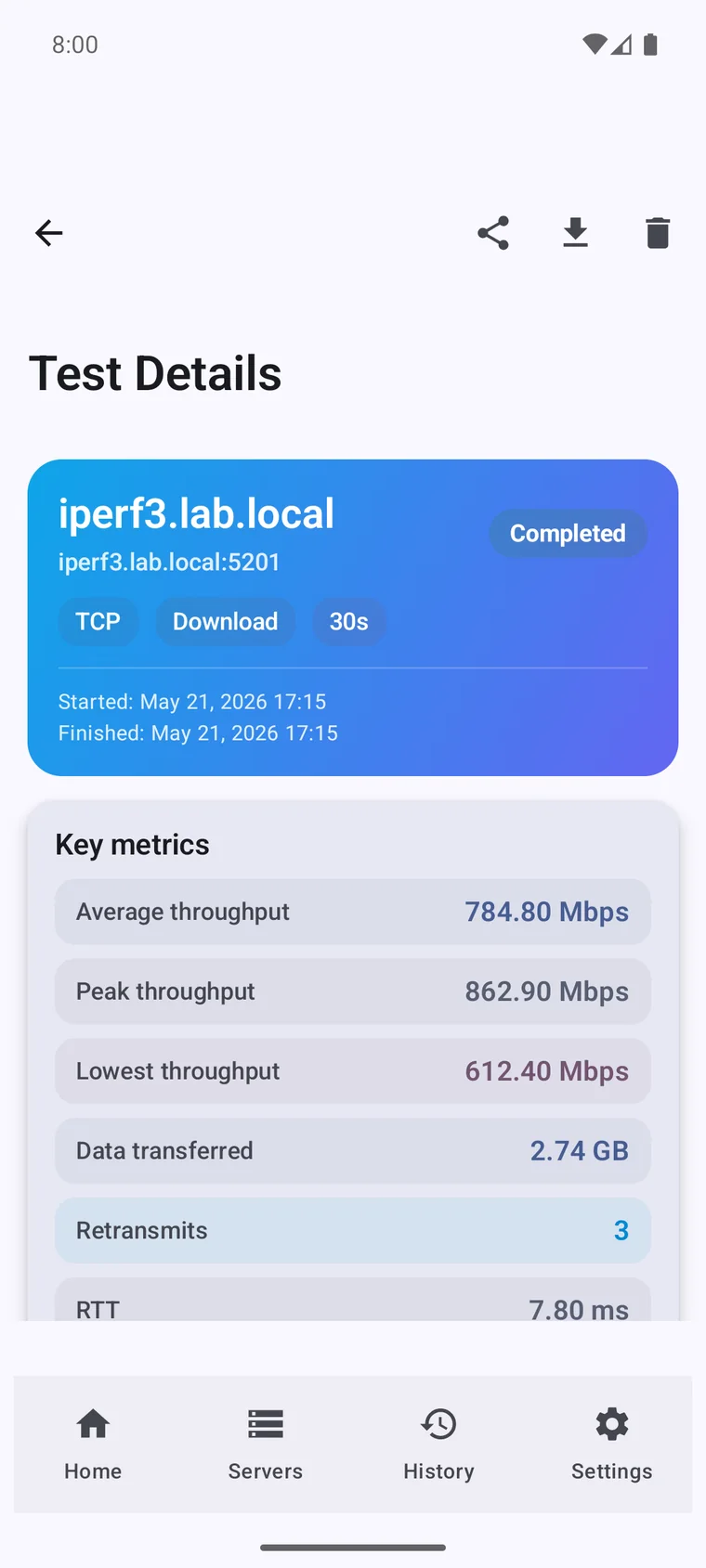
ติดตาม throughput, RTT, retransmissions, jitter, packet loss และพฤติกรรมรายช่วงเวลาเพื่อการวิเคราะห์ที่ลึกขึ้น

คำถามที่พบบ่อย

No. iPerf3 measures the real throughput between two devices on your own network — Wi-Fi, Ethernet, VPN or mobile data — not the path to your ISP. For a public internet speed test, use a tool like Speedtest instead.

Yes — iPerf3 always tests between a client and a server. The server can be a router, NAS, PC, or another Android device running this app in server mode. There is no central server you connect to.

Yes. Switch the app to server mode and it listens for incoming tests, so you can run a full client-to-server test between two Android phones, or between your phone and a laptop, NAS or router.

Yes. TCP measures raw throughput, while UDP reports jitter and packet loss — useful for VoIP, video calls, gaming and other real-time traffic.

Wi-Fi, mobile data (4G/5G/LTE), wired Ethernet (via a USB adapter), and VPN links — anywhere your Android device can reach an iPerf3 server.

Yes. iPerf3 Pro for Android is a one-time purchase with no subscription and no ads.