Android Pro

iPerf3 Android

可重复网络测试所需的一切,无需将您的手机或笔记本变成杂乱的实验室界面。

Android 7.0+0 追踪导出格式
iPerf3 Android

两种模式,一套工作流

  1. 1

    使用预设时长快速开始

  2. 2

    协议和方向控制(TCP/UDP、反向、双向)

  3. 3

    安装应用,在几分钟内运行您的第一次受控 iPerf3 测试。

核心功能

可重复网络测试所需的一切,无需将您的手机或笔记本变成杂乱的实验室界面。

快速测试流程

简单模式提供 8/10/15 秒的快速测试。高级模式解锁完整的协议和传输控制。

高级控制

调整持续时间、流数、带宽上限、窗口大小、MTU、方向等参数,以匹配生产场景。

丰富的指标

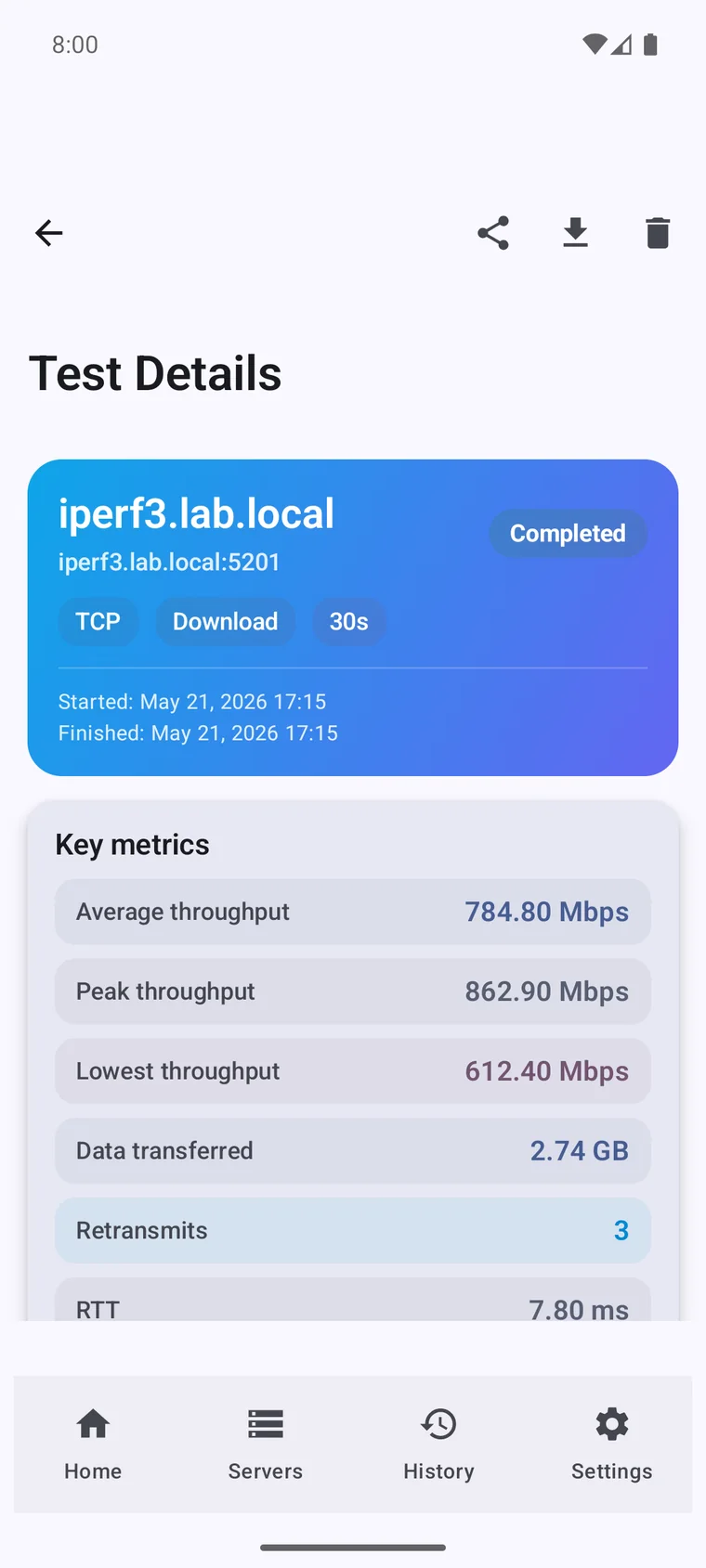
追踪吞吐量、RTT、重传、抖动、丢包率和每个间隔的行为,以进行更深入的分析。

常见问题

No. iPerf3 measures the real throughput between two devices on your own network — Wi-Fi, Ethernet, VPN or mobile data — not the path to your ISP. For a public internet speed test, use a tool like Speedtest instead.

Yes — iPerf3 always tests between a client and a server. The server can be a router, NAS, PC, or another Android device running this app in server mode. There is no central server you connect to.

Yes. Switch the app to server mode and it listens for incoming tests, so you can run a full client-to-server test between two Android phones, or between your phone and a laptop, NAS or router.

Yes. TCP measures raw throughput, while UDP reports jitter and packet loss — useful for VoIP, video calls, gaming and other real-time traffic.

Wi-Fi, mobile data (4G/5G/LTE), wired Ethernet (via a USB adapter), and VPN links — anywhere your Android device can reach an iPerf3 server.

Yes. iPerf3 Pro for Android is a one-time purchase with no subscription and no ads.